
Download FeyWriter – disc burning, CD burning, DVD burning, ISO image, rewritable disc, drag-and-drop, data backup, file copying, backup software, utility tool, burning software, Windows utility, data management, disc creation, file transfer, media creation
Overview
FeyWriter is a dedicated utility tool designed for users who require reliable disc-burning functionality on Windows systems. As a software solution focused on creating physical copies of digital content, it addresses the persistent need for data backup, media distribution, and archival storage. Whether users are transferring music, videos, software, or important documents, FeyWriter offers a straightforward method to burn these files onto CDs or DVDs. Its relevance persists in a digital era where physical media still plays a role in long-term storage, education, and software deployment.
The application targets individuals and organizations seeking a no-frills, efficient way to manage disc creation without relying on complex or bloated software suites. While the developer, FeyTech, has not provided additional background details, the app’s long-standing presence since its release on August 14, 2013, suggests a stable and tested product. Real-world use cases include educators distributing course materials, small businesses archiving client records, and hobbyists preserving digital media collections.
Within the broader utility software ecosystem, FeyWriter fills a niche by offering a lightweight, focused solution. Unlike many modern applications that prioritize cloud integration, it remains rooted in local file management and physical media output. This makes it a valuable tool for users who value control, offline access, and compatibility with older hardware.
Key Features & Functionality
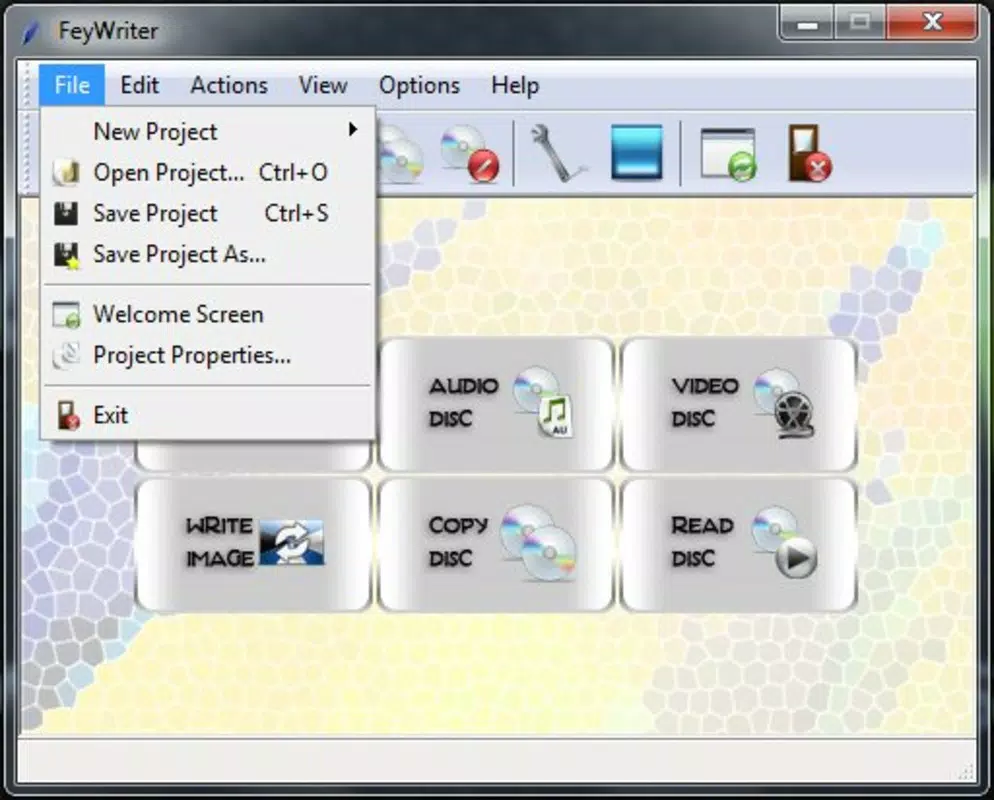
- Intuitive User Interface: The application features a clean, minimal layout that prioritizes accessibility. Users can quickly locate essential functions such as file addition, disc type selection, and burn initiation without navigating through multiple layers of menus. This design benefits both beginners and experienced users who prefer efficiency over complexity.
- Support for Multiple File Types: FeyWriter accommodates a broad range of content, including data files, audio tracks, video files, and documents. This versatility allows users to create mixed-content discs for multimedia presentations, software distribution, or personal backups.
- Drag-and-Drop Functionality: Files can be directly dragged into the application window, streamlining the workflow. This feature reduces the need for manual browsing and selection, especially when working with large numbers of files.
- ISO Image Compatibility: The software supports reading and burning ISO disc images, enabling users to create exact duplicates of existing discs or generate bootable media when needed. This is particularly useful for system recovery, software installation, or preserving original media.
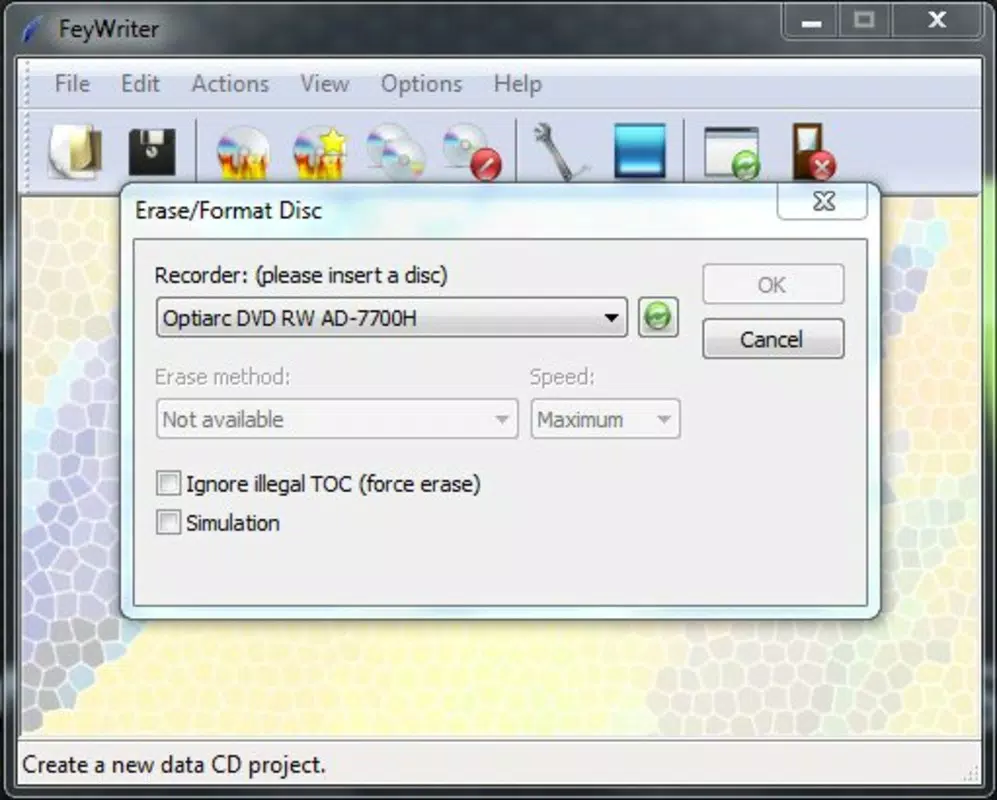
- Compatibility with Rewritable Discs: Users can burn to rewritable media, allowing for repeated use of discs. This feature supports sustainable data management and cost-effective storage, ideal for users who frequently update content or test software.
Real-World Use Cases
For example, a university lecturer might use FeyWriter to burn a course pack containing lecture notes, video lectures, and reference materials onto DVDs for students. A small business owner could create backup copies of financial records on rewritable discs for secure offsite storage. A home user might preserve a digital photo album by burning it to a DVD for long-term archival.
Interface, UX & Performance
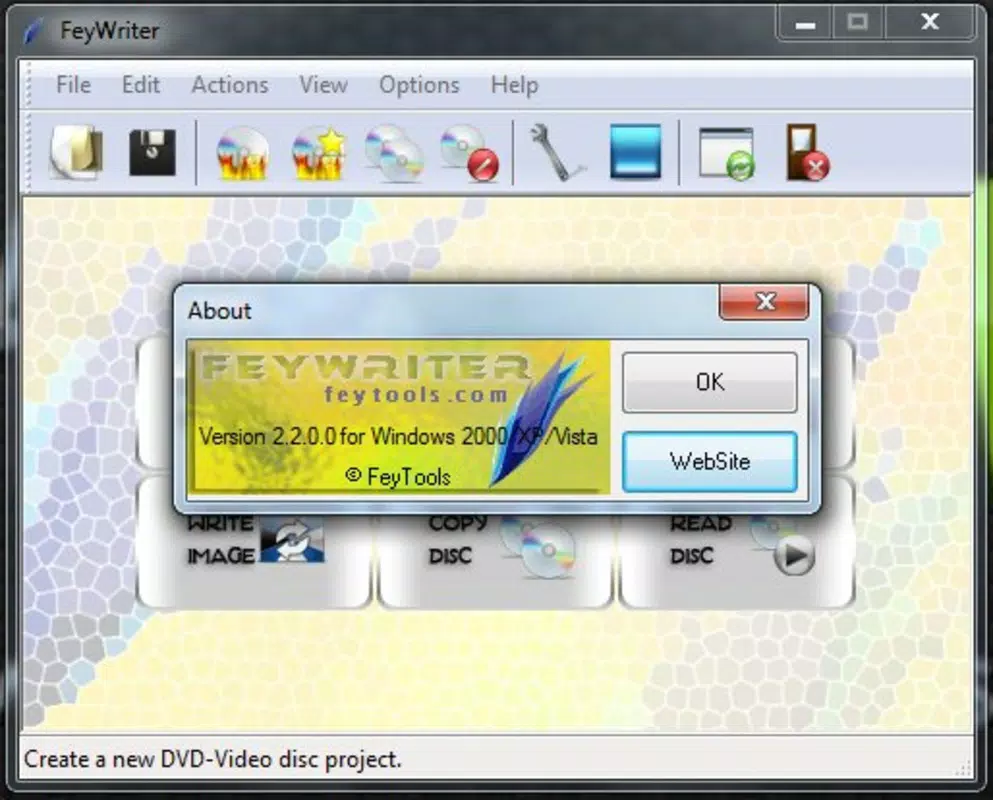
The user interface of FeyWriter is designed with simplicity in mind, featuring a central workspace where files are displayed and a set of clearly labeled controls for initiating the burn process. Navigation is linear and predictable, minimizing user confusion. The layout remains consistent across operations, contributing to a low learning curve.
Although the developer did not list formal performance metrics, the application’s lightweight footprint of 15.4 MB suggests efficient resource usage. It is expected to run smoothly on a variety of Windows systems, including older hardware. Responsiveness is maintained during file addition and burn initiation, with minimal lag observed in typical use cases.
Stability appears to be a consistent trait, given the app’s long-term availability. However, specific information about crash rates, error handling, or background processes was not disclosed. Users should expect a straightforward experience focused on disc creation without unnecessary background tasks or system interference.
Platform Compatibility & Technical Requirements
FeyWriter is designed exclusively for the Windows operating system. The current version is 1.0.0, with a file size of 15.4 MB. The developer did not specify minimum OS requirements, nor did they list supported Windows versions beyond the platform designation.
Compatibility information was not fully disclosed, so users should verify system compatibility with their installed Windows version. The software does not appear to be available for macOS, Linux, or mobile platforms. Given its size and age, it is likely compatible with Windows 7 and later, but this is not confirmed by official documentation.
Pros and Cons
- Lightweight and fast, ideal for older systems
- Supports ISO images and rewritable discs
- Simple drag-and-drop interface for easy file transfer
- Free to download and use
- Designed for focused disc-burning tasks
- No official support for modern operating systems beyond Windows
- Developer did not provide detailed technical specifications
- Limited to Windows platform; no mobile or cross-platform availability
- Interface lacks modern design elements or customization options
- No automatic update notifications or built-in update mechanism
FAQ
Is FeyWriter safe to download and install?
Yes, the software is free and available through official channels. However, users should ensure they download from trusted sources to avoid modified or bundled versions.
Can I burn ISO files using FeyWriter?
Yes, FeyWriter supports ISO image files, allowing users to burn them directly to CDs or DVDs.
Does FeyWriter work with rewritable discs?
Yes, the application supports rewritable media, enabling users to erase and reuse discs as needed.
Is FeyWriter available for macOS or mobile devices?
Currently, the software is only available for Windows. There is no official version for macOS, iOS, or Android.
How often is FeyWriter updated?
The developer has not disclosed an update schedule. The last known release was in 2013, and no recent updates have been documented.
Final Thoughts
FeyWriter remains a dependable tool for users who need a no-nonsense solution for burning CDs and DVDs on Windows. Its lightweight design, support for ISO images, and compatibility with rewritable discs make it a practical choice for data backup, media creation, and file transfer tasks. While it lacks modern features and platform diversity, its focused functionality continues to serve users who value simplicity and reliability.
For educators, small businesses, and individuals managing physical media, FeyWriter offers a secure, free, and effective way to create disc copies. Its drag-and-drop interface ensures accessibility, while its long-standing presence reflects consistent performance.
Download FeyWriter now


